
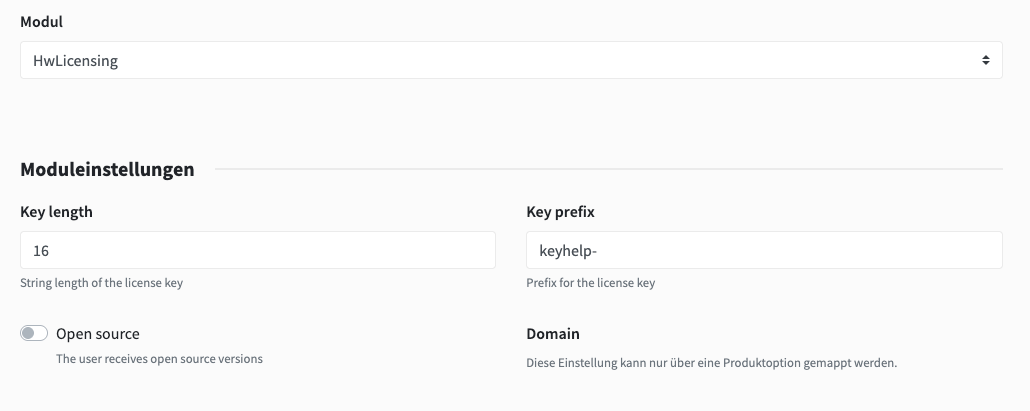
hostware returns structured information regarding the hosting, the product options and the customer itself.
{
    "license": {
        "product_hosting_number": "VN-11605",
        "module_name": "HwLicensing",
        "status": "ACTIVE",
        "product_options": {
            "204": {
                "id": 204,
                "label": "250 Kunden-Accounts",
                "value": 250
            }
        },
        "created_at": "2026-05-06T20:14:49.000000Z"
    },
    "product": "keyhelp-whmcs-modul-leased",
    "product_data": {
        "id": 1133,
        "name": "Keyhelp WHMCS Modul",
        "description": "-"
    },
    "customer": "hostware GmbH",
    "company": "hostware GmbH",
    "full_name": "Max Mustermann",
    "email": "[email protected]",
    "service_data": {
        "renew_next": "2026-05-09T20:20:46.000000Z",
        "renew_last": "2026-05-06T20:20:46.000000Z",
        "period_name": "Monatlich",
        "period_price": 50,
        "monthly_price": 50
    }
}