Update hostware software
When an official hostware update is available, a yellow notification appears in the administration area. Click the notification to open Settings -> Update and start the update.
Before you update
Go to
Settings -> Updateto read the changelog and the latest update information.Create a backup of your hostware VPS.
If you have changed individual files that are not inside a protected directory, add their paths under
Settings -> Update -> Individual paths. This prevents them from being overwritten during the update. Learn more about protecting individual files.
Run the update
On the
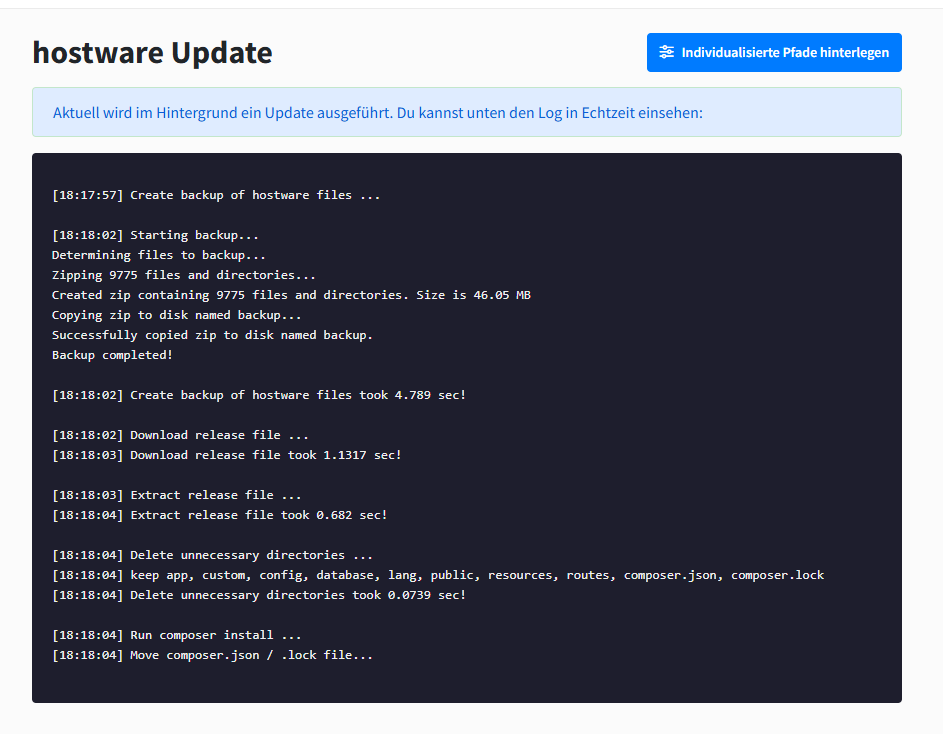
Settings -> Updatepage, start the backup. hostware will then begin the update automatically.Watch the update progress in the console in the administration area.
Wait for the process to finish. The update usually takes 1–2 minutes and completes all configuration steps automatically.