# How are invoices created
#### Manually create invoice
Create an invoice, by clicking the "Create Invoice" button:
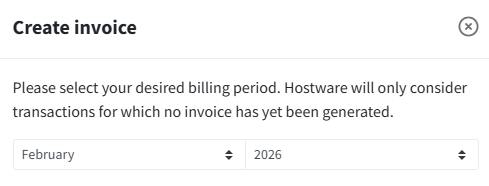
which opens a modal where you can select the month for which you want to create an invoice.
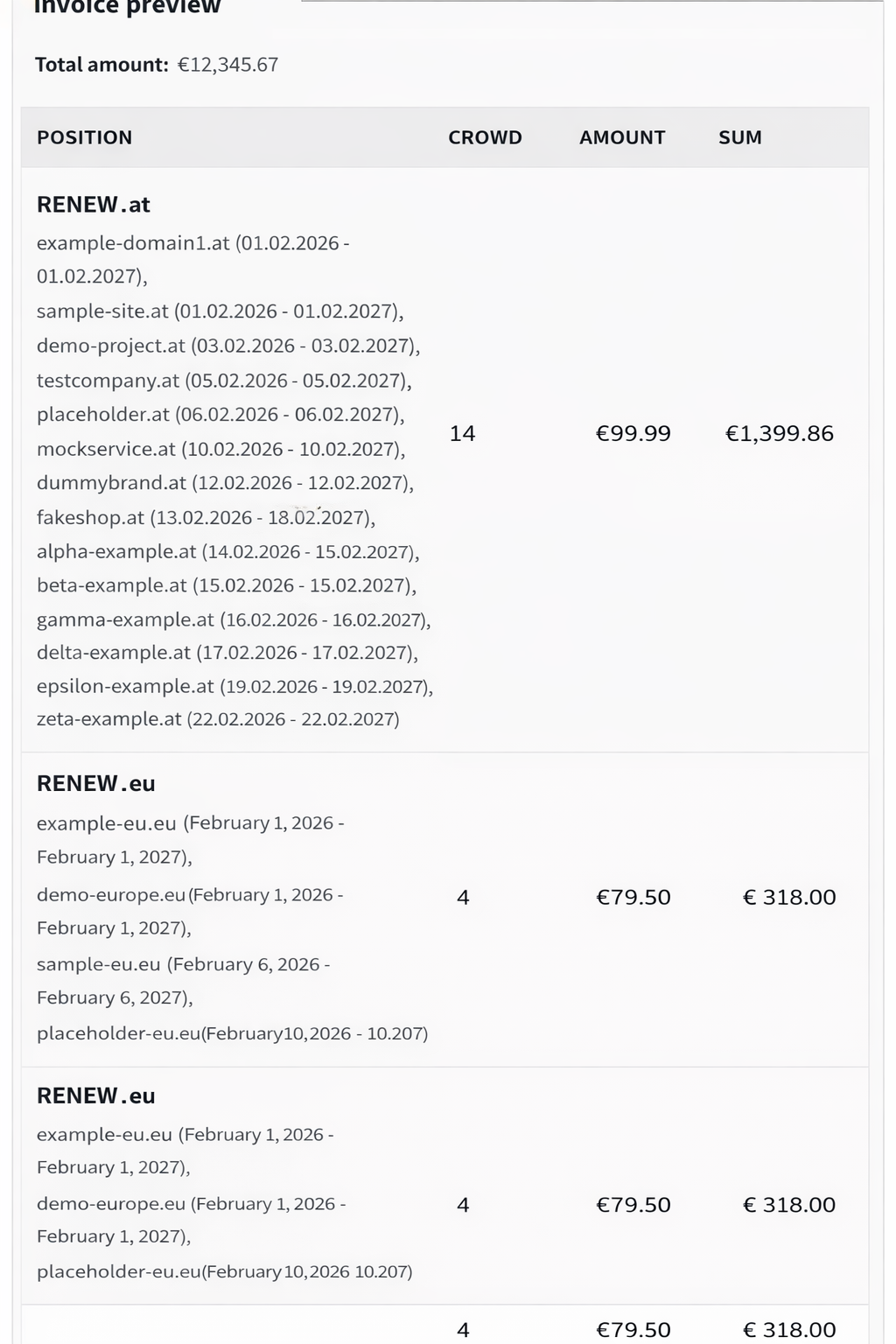
On month selection, an invoice preview gets generated, which shows you the invoice items of this invoice. Remember, the number of invoice items depends on the "Minimum domain positions for grouping" config set at [connection configs](#common-config-fields).
As you can see, one invoice item contains the transactions of a combination of a certain TLD with action, for example as seen above, one invoice item contains the Renew transactions of "at" TLD.
This grouping makes the invoice items more clear.
{% hint style="info" %}
Invoices are created automatically at the end of the month for each reseller that has enabled "Automatic billing" and has been mapped to a customer.\
Also you don't have to worry that a transaction will be billed twice, we make sure that doesn't happen. So, if you need, you can freely manually create an invoice for the current month which has not ended yet, and when the month ends, the invoice that gets automatically created for that month will not include the transactions you have manually billed.
{% endhint %}